
.jpg)
Table of Contents
In the modern business landscape, branding is no longer a static asset—it is a continuous conversation between a company and its audience. As we move through 2026, the tools we use to manage these conversations have become more sophisticated, yet the debate remains: Canva or Figma?
For a growing business, this isn't just about software; it’s about workflow.
At Cueball Creatives, a premier unlimited graphic design agency, we’ve seen that the "best" tool isn't the one with the most buttons, but the one that lets your team maintain a cohesive brand identity without hitting creative bottlenecks.
Canva vs Figma: A Comparison
While Canva and Figma are both used to create brand visual identity, the core philosophies of these two platforms remain distinct.
Canva: The Marketing Team’s Best Friend
Canva is a user-friendly design tool for high-velocity brand execution. In an era where a brand needs to be present on every social platform, in every inbox, and at every virtual event, speed is a competitive advantage.
It offers a lot of templates and other branding tools to help businesses bring their vision to life.
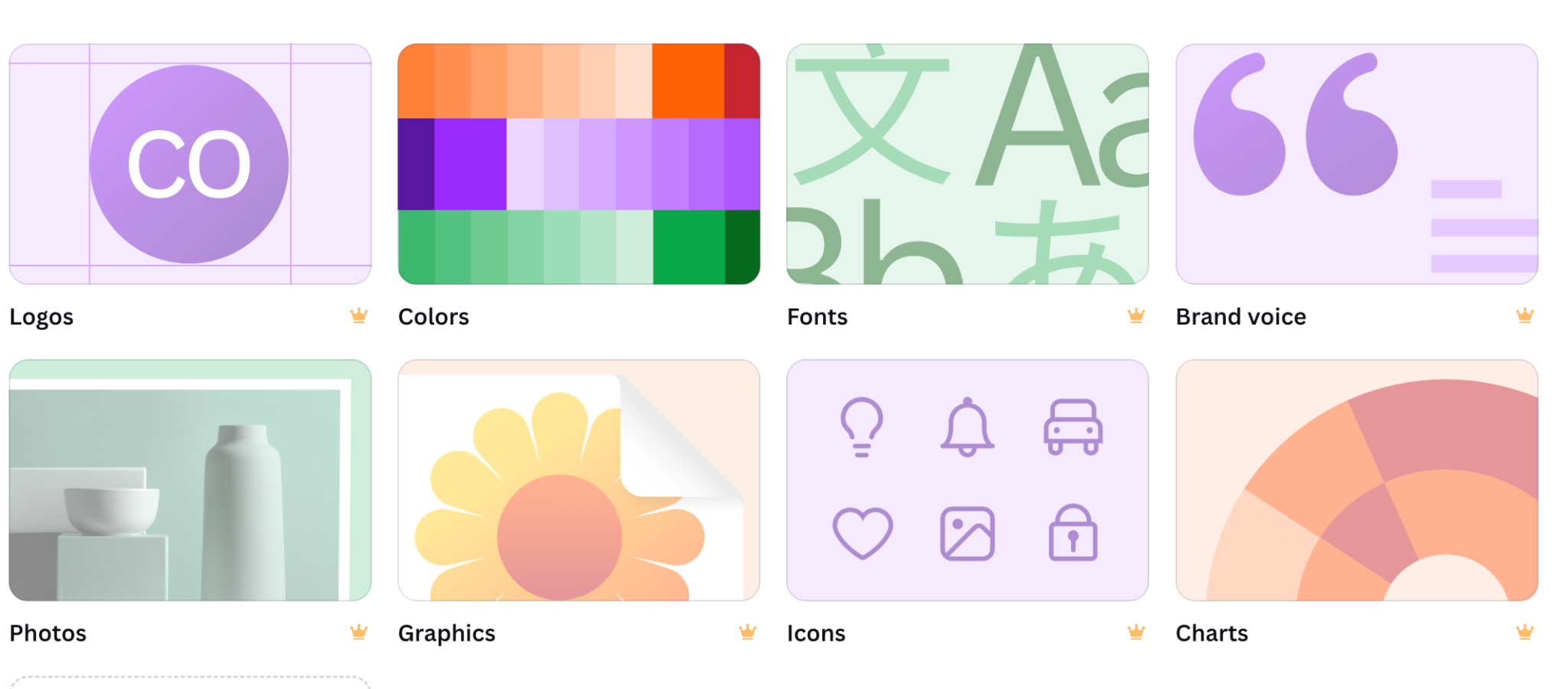
However, to use the branding tools, you will need to upgrade to a paid plan (Canva Pro for individuals and Business for organizations).
These are the inclusions in the business plan:
- Premium photos, videos, and elements
- Designer-made templates
- Background removal
- Resizing of designs
- 5 brand kits
- Cloud storage
- AI tools
The Pro
It is a beginner-friendly tool and allows non-designers, including managers, HR leads, and sales reps, to create on-brand assets in seconds. With 2026’s advanced AI "Brand Shield" features, Canva can now automatically block users from using off-brand colors or fonts, ensuring consistency across the board.
The Con
When you need to design a bespoke brand from scratch, create custom vector illustrations, or build a complex layout with pixel-perfect precision, Canva can feel restrictive.
Figma: The Architect’s Workspace
Figma is a popular tool to craft a brand’s DNA. While often associated with tech, it has become the go-to for graphic design agencies building comprehensive brand identities that need to scale across print, web, and environmental design.
Figma has introduced two new beta features: Figma Buzz for creating brand templates and Figma Sites for building branded websites.
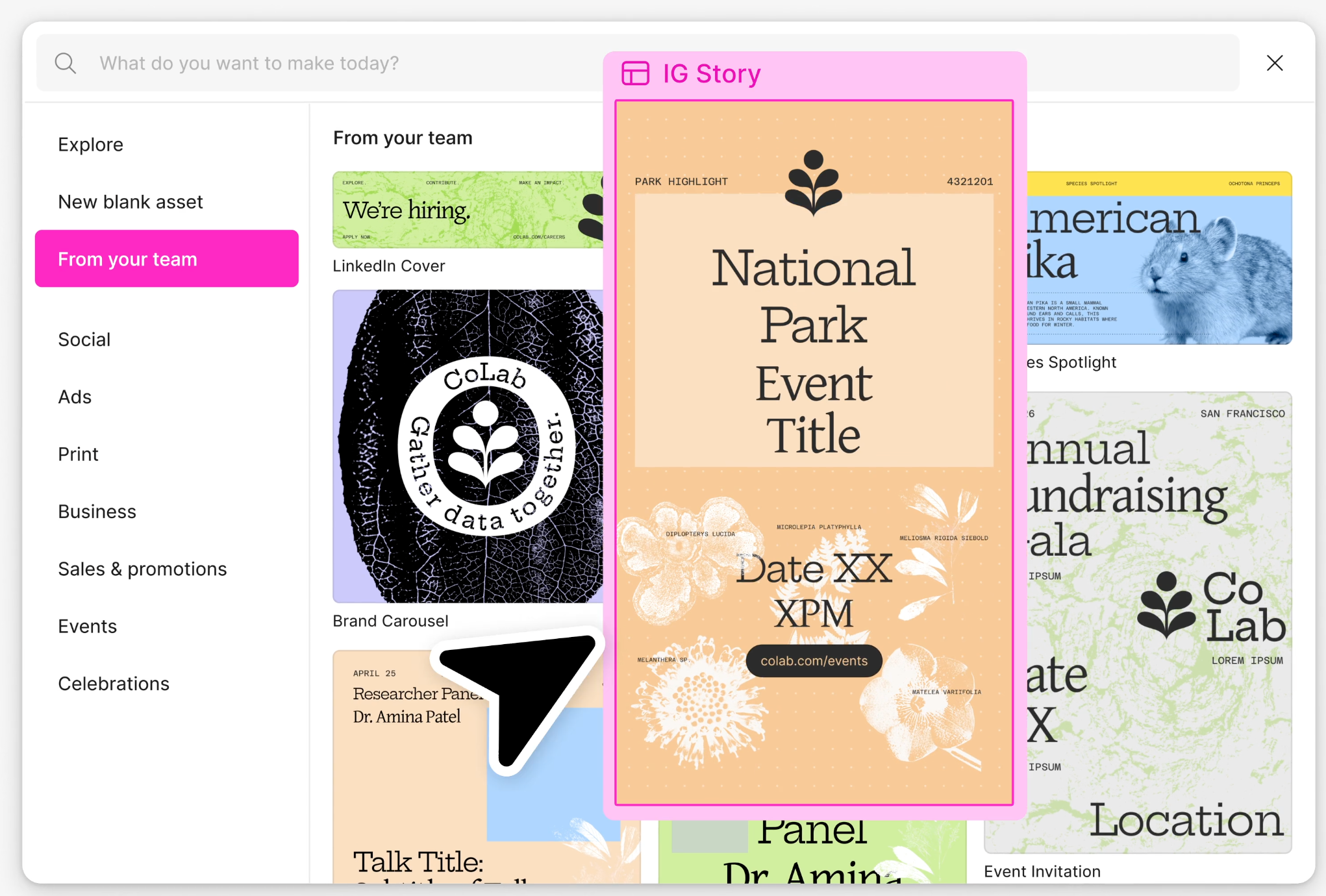
Like Canva, Figma offers tiered plans for individuals, organizations, and enterprises.
- Team libraries
- Reusable design components
- Styles
- Videos
- Visual effects
- Dev mode
- Figma drawing tools
- Enhanced vector editing
Multi-brand design systems, however, are available only in the Enterprise plan.
The Pro
Figma allows for "Global Styles" and "Variables." If you decide to tweak your brand’s primary navy blue to a slightly warmer hue, Figma can update that change across thousands of documents, presentations, and website mockups instantly.
The Con
Figma is not a beginner-friendly tool, unlike Canva. For someone who just needs to update a "Happy Friday" social post, Figma’s interface can be overwhelming and counter-productive.
Collaborative Branding: Breaking the Silos
Branding being a collaborative effort, this aspect of these tools is what truly defines their value.
Canva excels at horizontal collaboration.
It is easy to share files and designs in the free, Pro, and Business plans.
Figma excels at vertical collaboration. It allows for deep, real-time feedback loops between creative directors, senior designers, and clients.
Figma also allows easy sharing of designs and frames via email and links. Another option is to use the embed code option to embed designs into other applications.
The Strategic Solution: The Unlimited Graphic Design Subscription Model
Most businesses fail at branding not because they choose the wrong tool, but because they lack the bandwidth to manage both. Whether they use Figma or Canva, they need a dedicated professional or a team of professionals to create flawless designs at scale.
Figma, particularly, requires advanced skills to use features such as Auto Layout & Variants. These can be complex to master, taking time to learn.
Above all, there are limitations on cloud storage and the number of branding assets you can create with each plan.
This is where an unlimited graphic design company like Cueball Creatives provides the ultimate bridge.
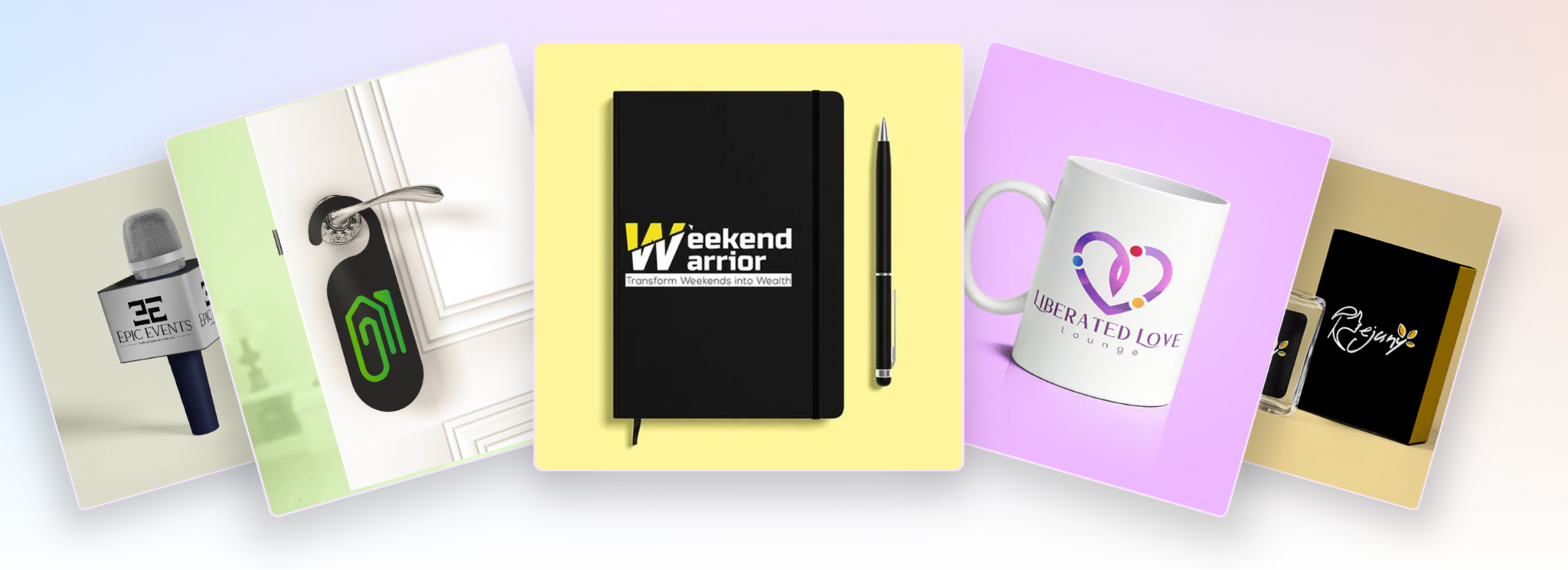
We combine the best of human artistry with the sophistication of design tools, such as Figma and Canva.
- The Figma Foundation: Our expert designers use Figma to build your "Brand Source of Truth." This includes your logos, typography systems, and complex brand guidelines that require a professional touch.
- The Canva Toolkit: We then translate those high-end assets into customizable Canva templates. This empowers your internal team to handle daily tasks with professional-grade assets that we’ve already "de-risked."
- Continuous Evolution: Because we operate as a flat rate graphic design partner, you can request constant updates to both environments. If your brand needs to pivot or launch a new sub-brand, we handle the technical heavy lifting in Figma and push the updates to your Canva Brand Hub.
The Cueball Advantage
Our unlimited graphic design company model ensures that whether your project requires the architectural precision of Figma or the rapid-deployment power of Canva, you have a team ready to execute.
Ready to elevate your brand's visual identity?
Schedule a Free Demo today and discover how our unlimited design services can streamline your branding process.
.webp)
.webp)
